No box needed on most TVs
How to Watch Strong 8K on a Smart TV
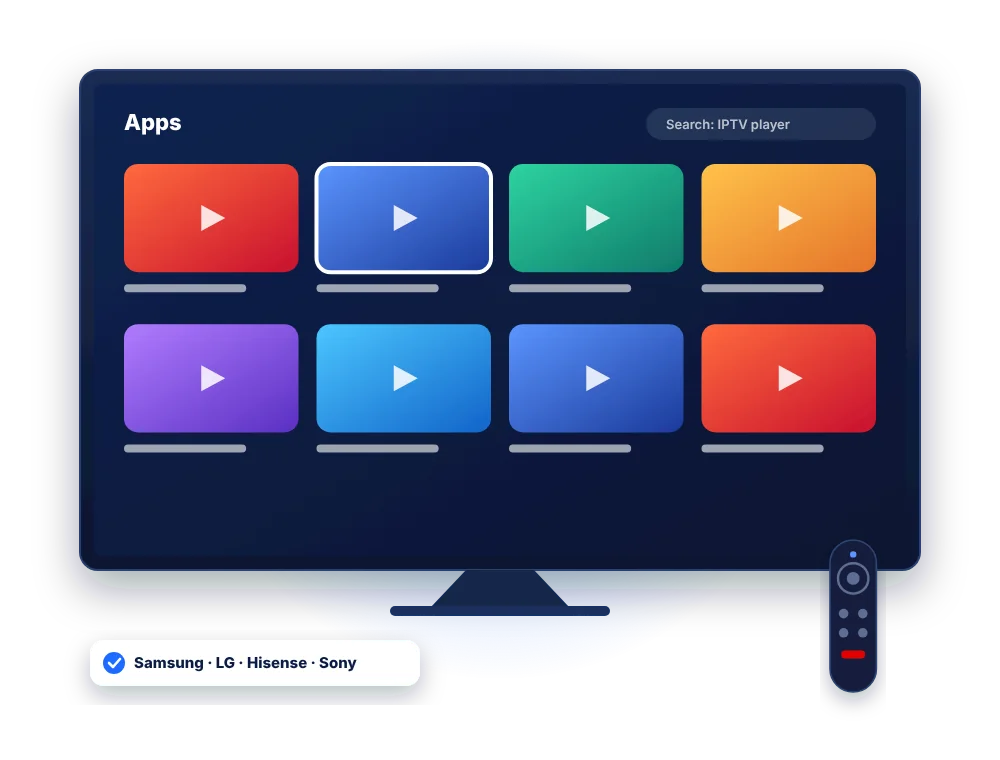
Most Smart TVs sold in the UK can run Strong 8K through an IPTV app, with no extra box. The right app depends on your TV’s system, so find your brand below and follow the steps.
Quick answer
To watch Strong 8K on a Smart TV, open your TV’s app store, install an IPTV player that supports Xtream Codes or MAC activation (such as IBO Player or IPTV Smarters Pro where available), and log in with the details we send. If your TV has no suitable app, plug in a Firestick instead.
Find your TV
Which app to use on each Smart TV brand
App availability changes and can depend on your TV’s model year and region. If you cannot find an app, tell us your model and we will recommend one.
| TV brand | System | Where to get apps | Recommended approach |
|---|---|---|---|
| Samsung | Tizen | Samsung Apps | An IPTV player such as IBO Player or IPTV Smarters Pro, logged in with Xtream Codes or MAC |
| LG | webOS | LG Content Store | An IBO Player-style app or IPTV Smarters Pro where listed |
| Sony, TCL, Philips (Google TV / Android TV) | Google TV or Android TV | Google Play Store | Best choice of apps: TiviMate, IPTV Smarters Pro, XCIPTV |
| Hisense | VIDAA | VIDAA Store | Limited apps; a Firestick is usually the simplest option |
| Older or unsupported TVs | Various | – | Plug in a Firestick or Android box for the full experience |
Samsung & LG
Set up Strong 8K on a Samsung or LG TV
Many TV players use your TV’s MAC address and a device key instead of a typed login. It sounds technical, but it takes two minutes.
Open your TV's app store
Press Home on the remote and open Apps (Samsung) or the LG Content Store (LG).
Install an IPTV player
Search for the player we recommend for your model, such as IBO Player, and install it.
Note the MAC and device key
Open the app. It shows a MAC address and a device key. Take a photo of that screen.
Send them to us
Send the photo on WhatsApp. We add your Strong 8K playlist to the app for you, or explain how to add it yourself.
Restart the app
Close and reopen the app. Your Strong 8K channels, films and guide appear on the home screen.
Add favourites
Press OK and hold on a channel to add it to favourites, so your most-watched channels are always one click away.
About app activation fees: some Smart TV players offer a free trial of the app itself and then charge a small one-off activation fee to the app developer. This is separate from your Strong 8K plan. We will tell you which apps are free on your model.
Sony, TCL & Philips
Google TV and Android TV models
Most Sony, TCL and many Philips TVs run Google TV or Android TV, which means you get the same apps as an Android box.
- Open the Google Play Store on the TV.
- Install TiviMate, IPTV Smarters Pro or XCIPTV.
- Choose Xtream Codes and enter your server URL, username and password.
- Wait for the channels and the TV guide to load.
Prefer the full Android steps? See the Strong 8K setup guide.
Hisense VIDAA and other TVs
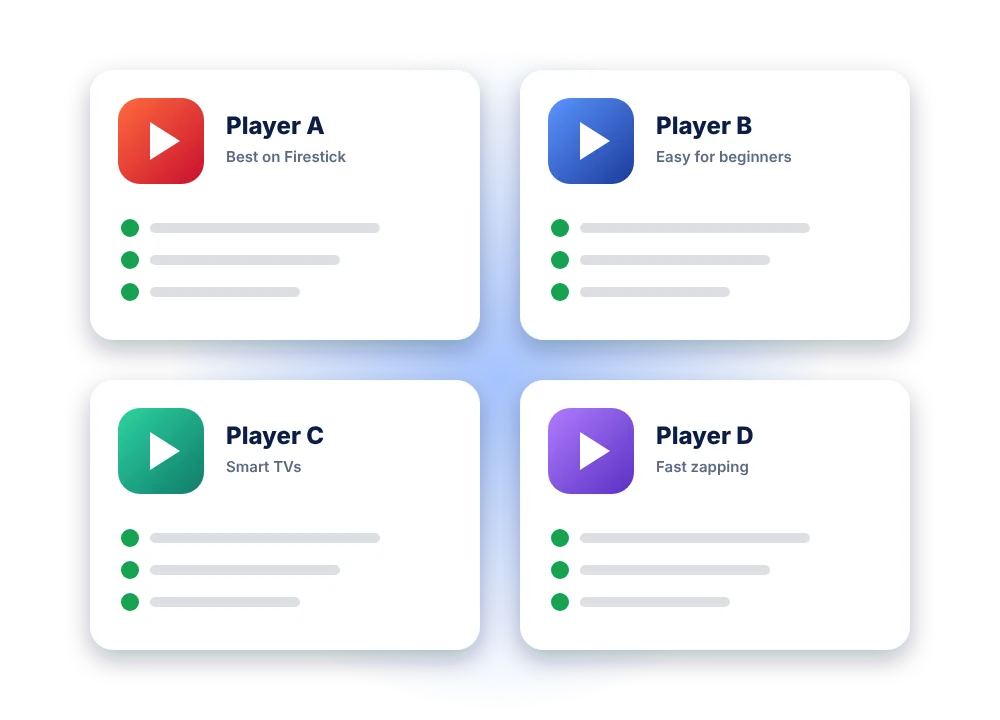
Hisense VIDAA TVs have a small app store, and suitable IPTV apps are not always available. The quickest, most reliable route is a Fire TV Stick plugged into a spare HDMI port, then follow our Firestick guide.
The same applies to older Smart TVs that no longer receive app updates.
Get the best picture on a Smart TV
- Use the TV’s Ethernet port if you can: it is faster than built-in Wi-Fi
- Turn off motion smoothing for live channels
- Pick the Full HD or 4K version of a channel only if your speed allows
- Restart the TV fully (unplug for 60 seconds) if apps feel slow
FAQ
Strong 8K on Smart TV questions
Can I watch Strong 8K on a Samsung TV without a box?
Yes. Install a compatible IPTV player from Samsung Apps and log in with your Strong 8K details or MAC activation. No extra box is needed on most recent models.
Does Strong 8K work on LG TVs?
Yes. Use an IPTV player from the LG Content Store. Send us the MAC address and device key shown in the app and we add your playlist.
Why can I not find the app on my TV?
Apps can be removed from TV stores or limited to certain model years and regions. Tell us your TV model and we will suggest an alternative, or use a Firestick.
Is 4K available on Smart TVs?
Yes, on 4K TVs with a fast enough connection. Allow about 25 Mbps for a 4K stream and use a wired connection where possible.
Do I pay for the TV app?
Some TV players are free, others charge a small one-off fee to the app developer after their own trial. Your Strong 8K plan price does not change.
Test Strong 8K on your TV before you pay
Tell us your TV brand and we send the right app and a 24-hour test login.