Most problems fixed in under 10 minutes
Strong 8K Not Working? Try These Fixes
Buffering, a frozen picture, an empty guide or a login error almost always has a simple cause. Work through the checks below in order. If nothing helps, send us a photo of the screen and we will sort it.
Quick answer
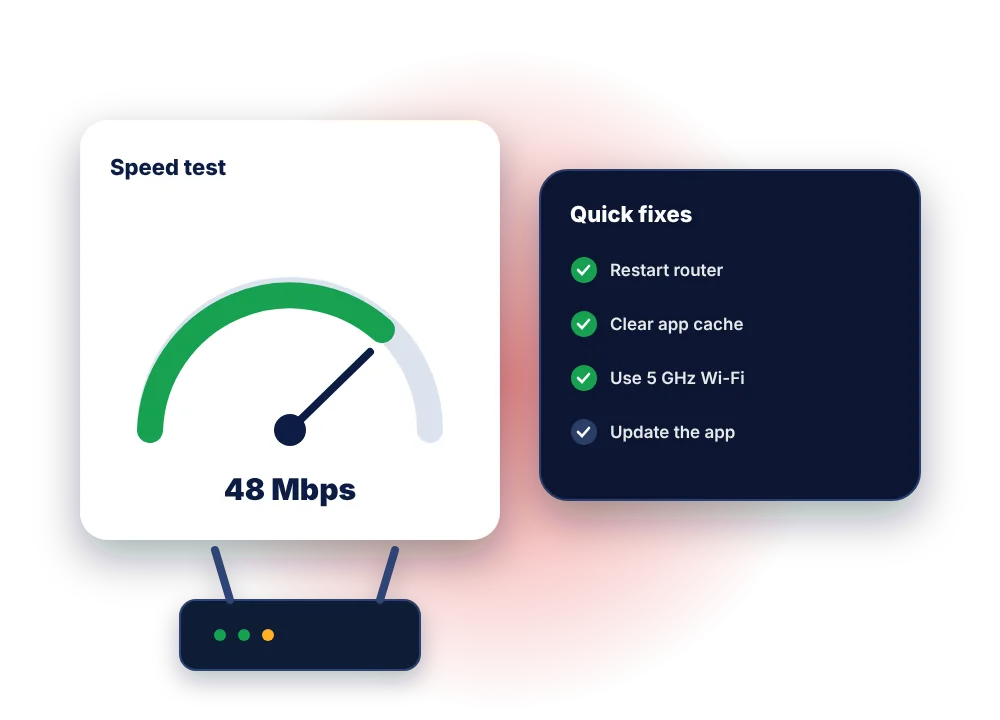
If Strong 8K is not working, restart your router and device, clear the app cache, check your login has not expired, and test your internet speed on the TV itself. Buffering is usually caused by Wi-Fi rather than the server. If other channels work, try a different version of the channel (HD or FHD).
Do these first
Five quick checks that fix most problems
Restart everything
Unplug your router and your TV device for 60 seconds, plug the router in first, wait until it is fully online, then turn the device back on.
Check your subscription date
Most apps show the expiry date in Settings or Account. If it has passed, message us to renew and it starts working again straight away.
Clear the app cache
On Firestick: Settings, Applications, Manage installed applications, your player, Clear cache. Do not tap Clear data, or you will have to log in again.
Test the speed on the TV
Run a speed test on the device you watch on. Use the calculator below to see how much speed you need.
Try another channel or version
If only one channel fails, try its HD or FHD version. If every channel fails, it is a login, app or connection issue.
Update or reinstall the app
An outdated player is a common cause of crashes. Update it, or reinstall it and log in again with your details.
Find your problem
Strong 8K problems and how to fix them
| What you see | Most likely cause | What to do |
|---|---|---|
| Buffering or freezing | Weak Wi-Fi, a busy home network, or a full app cache | Move closer to the router or use 5 GHz Wi-Fi or a cable, pause downloads, clear the cache, lower the quality |
| Buffering only at busy times | Network congestion between you and the server | Try the HD version, restart the router, and tell us the time and channel so we can check |
| “Login failed” or “authorisation failed” | A typo, an expired plan, or too many screens at once | Re-enter details exactly, check the expiry date, and close the app on other devices |
| Channels list is empty | The playlist did not download | Refresh or reload the playlist, check the server URL, restart the app |
| TV guide (EPG) is empty | EPG data not updated | Use update EPG in settings, check the device date and time are correct |
| Picture but no sound | Audio format not supported by the device | Switch the player to a software decoder or change the audio track in the player |
| App crashes or closes | Outdated app or low storage | Update the app, uninstall unused apps, restart the device |
| Films play but live TV does not | Wrong login type or a temporary channel issue | Use the Xtream Codes option, then try again in a few minutes |
Speed calculator
How much internet speed does Strong 8K need?
Choose how many screens you watch at once and the picture quality. Then compare with a speed test on your TV.
| Quality | Speed per screen | Good for |
|---|---|---|
| SD | 3 to 5 Mbps | Phones and slow connections |
| HD | About 10 Mbps | Most TVs up to 43 inches |
| Full HD | About 15 Mbps | Larger TVs and sport |
| 4K | About 25 Mbps | 4K TVs with a strong connection |
By device
Device-specific fixes
Firestick
- Use the mains adapter, not the TV’s USB port
- Uninstall apps you never use to free storage
- An Ethernet adapter fixes stubborn buffering
Smart TV
- Unplug the TV for 60 seconds, not just standby
- Check for TV software updates
- Re-activate the MAC playlist if the app was reinstalled
Android box & phone
- Clear the app cache from Settings, Apps
- Turn off battery optimisation for the player
- Switch between hardware and software decoder
Still buffering? Our blog has 9 more buffering fixes in detail.
Is the server down?
How to tell if it is your connection or the service
If Strong 8K stops working on every device in your home at the same time, and other streaming apps work normally, there may be a temporary issue with the service. Problems like this are rare and usually short.
- Check whether films and series still play
- Try on mobile data with your phone
- Message us: we will tell you straight away if there is maintenance
FAQ
Strong 8K troubleshooting questions
Why does Strong 8K keep buffering?
Most buffering comes from Wi-Fi: distance from the router, interference or other devices using the connection. Try 5 GHz Wi-Fi or a cable, clear the app cache and lower the quality. If it only happens on one channel, try another version of it.
Why does my app say my account has expired?
Your plan has reached its end date. Message us to renew and your existing login starts working again, usually within minutes.
Why is the TV guide missing?
The EPG may not have updated. Use the update or refresh EPG option in your app, and check the date and time on your device are correct.
Can too many screens cause problems?
Yes. If more screens play at once than your plan allows, streams stop. Close the app on other devices, or upgrade to a 2-device or 3-device plan.
How do I contact Strong 8K support?
Message us on WhatsApp or use the contact page. A photo of the error screen helps us fix it faster.
Tried everything? Let us fix it for you
Send us your device, app and a photo of the screen. Our team replies 7 days a week, 9am to 11pm UK time.